Switchify for Android
The switch access app itself. Item, point and radar scanning, camera gestures as switches, gesture patterns, and a menu built for switch users.
Get it on Google PlaySwitch access for Android, Windows and Mac
Switchify lets you use an Android phone or tablet without touching the screen. Switchify Remote and Switchify PC extend that control to a Windows or Apple-silicon Mac computer over Bluetooth.
Free and open source. Android 10 or later. Switchify PC needs a Windows 10 or later PC, or an Apple-silicon Mac on macOS 13 or later, with Bluetooth Low Energy.
Three apps, one idea
The switch access app itself. Item, point and radar scanning, camera gestures as switches, gesture patterns, and a menu built for switch users.
Get it on Google PlayThe companion app that controls your computer: mouse, typing and window controls over Bluetooth, plus Switch Forwarding from Switchify. Opens straight from Switchify's Control PC menu item.
Join the Remote testThe desktop app your Android device pairs with. It approves pairing, moves the pointer, types, manages windows, and turns forwarded switches into keys, clicks and shortcuts.
Get Switchify PC on GitHubWhat it's like to use
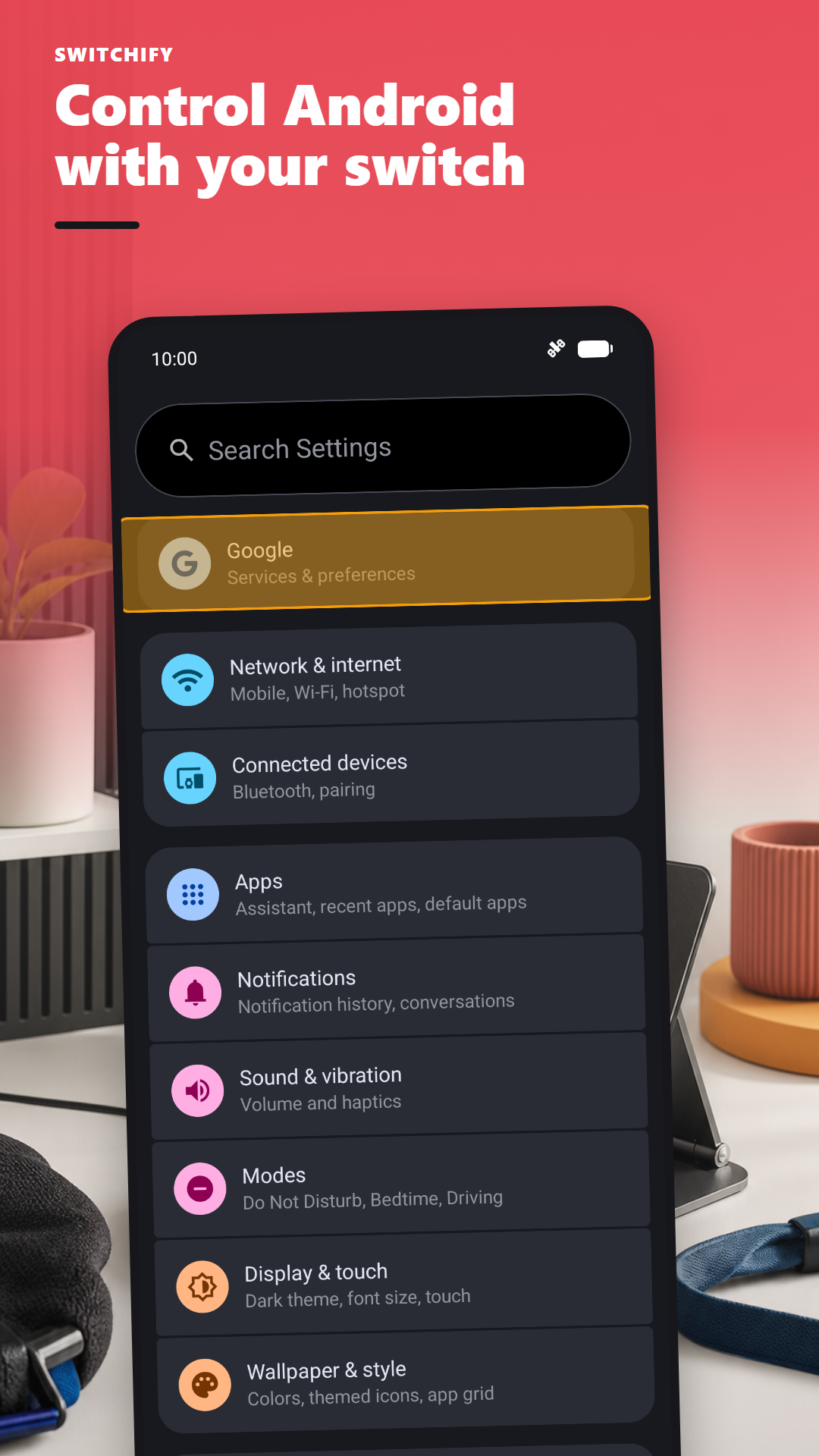
Imagine you want to send a text message. With Switchify running, you press your switch once. A highlight begins moving through the things on screen. When it reaches the Messages app, you press your switch. Messages opens.
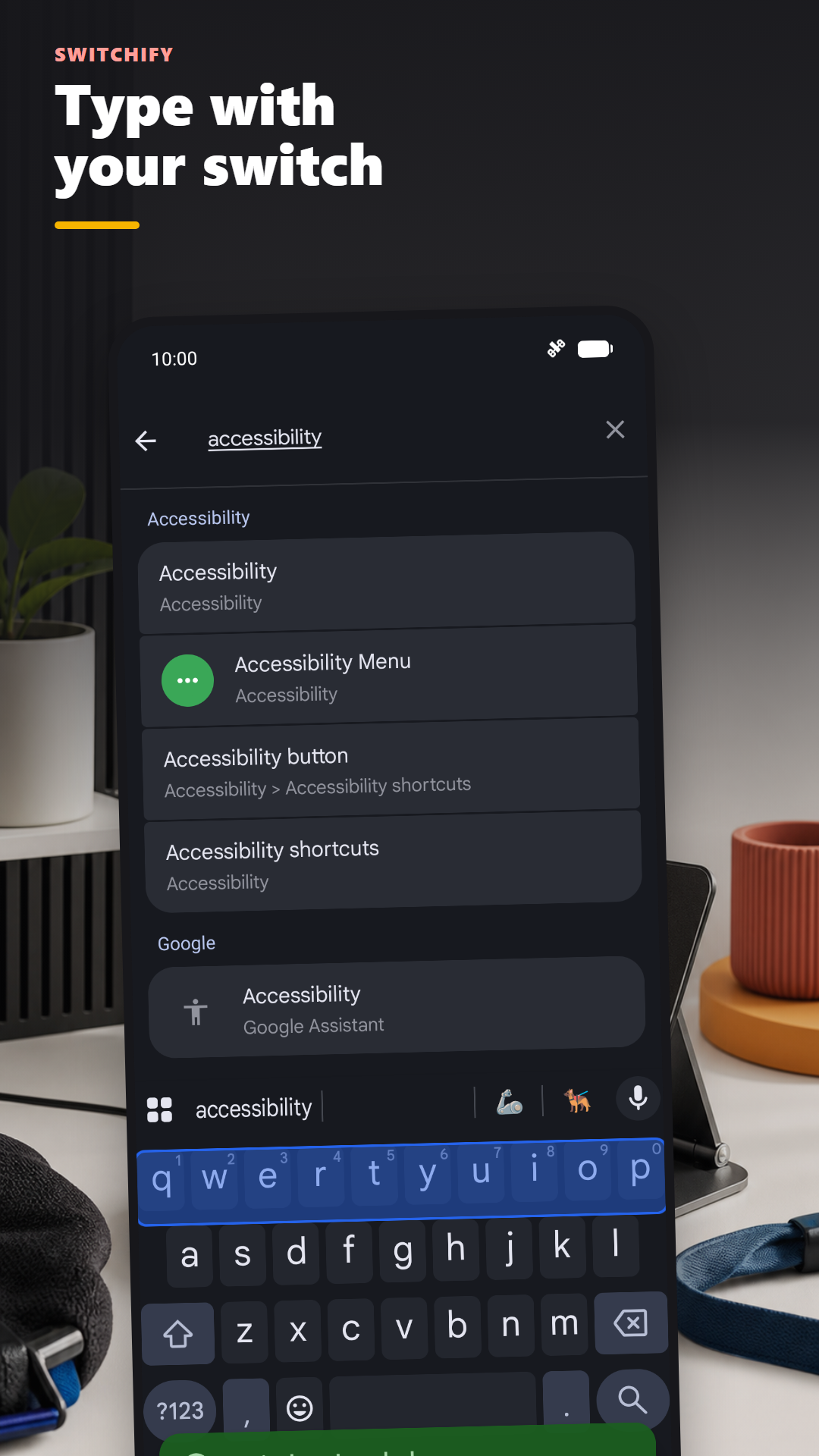
You pick the conversation the same way. The keyboard appears. The keys scan row by row, then key by key. You write your message. You send it.
Everything you can do by tapping the screen, you can do with one switch.
Built around how you move
Every way of pointing at the screen, every way of pressing, and every timing setting is yours to change. Switchify adapts to you, not the other way round.
Access techniques
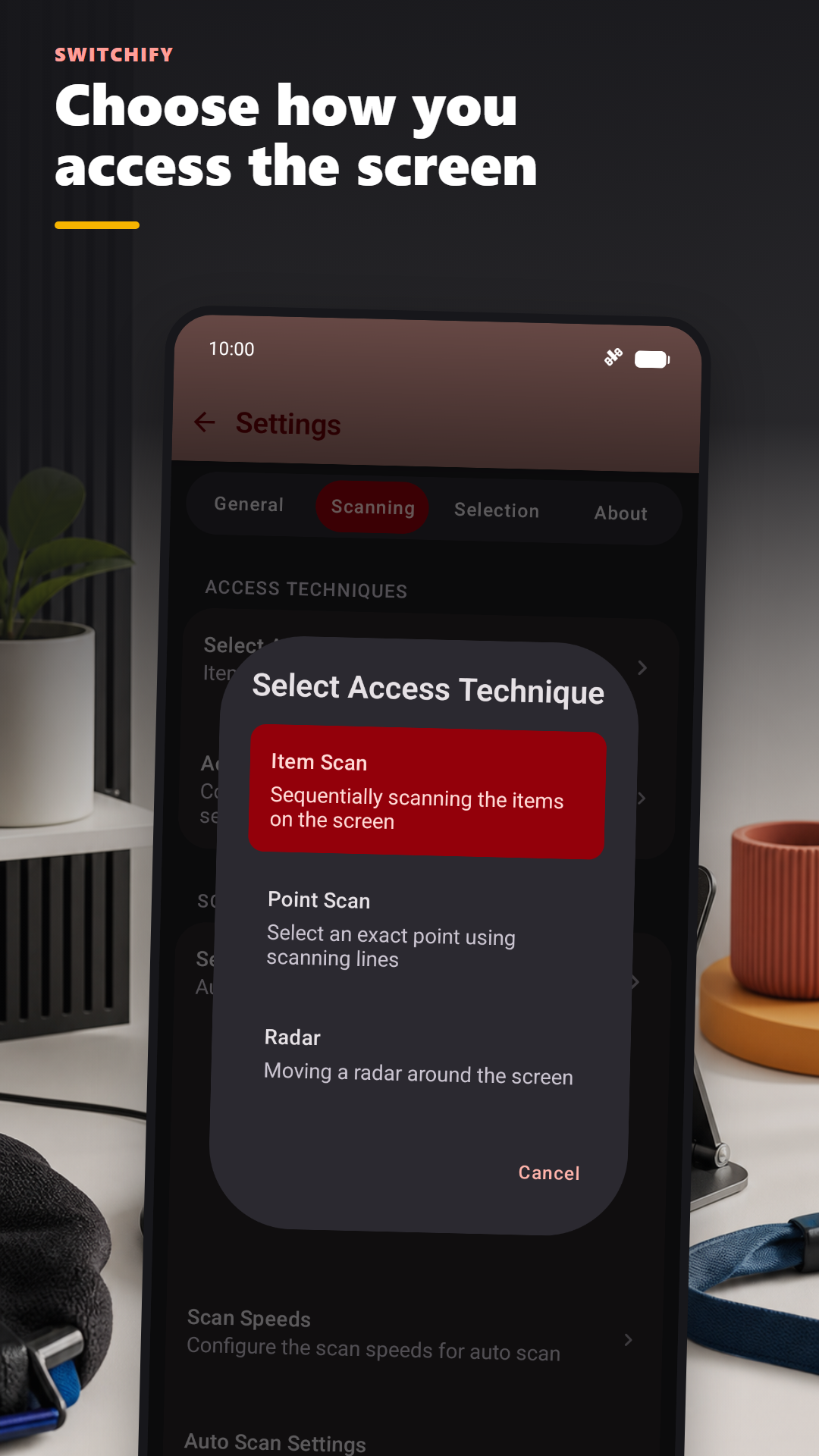
Item scanning highlights the buttons, fields and controls on screen one at a time, with optional row/column and group scanning to get there faster. Point scanning lands on an exact spot, either with a scanning line alone or by picking a grid block first and then refining with a line. Radar sweeps a line round the screen and slides a point along it.
Choose auto scanning and Switchify moves the highlight at a speed you set, or manual scanning with one switch to move and another to select.
Camera switches
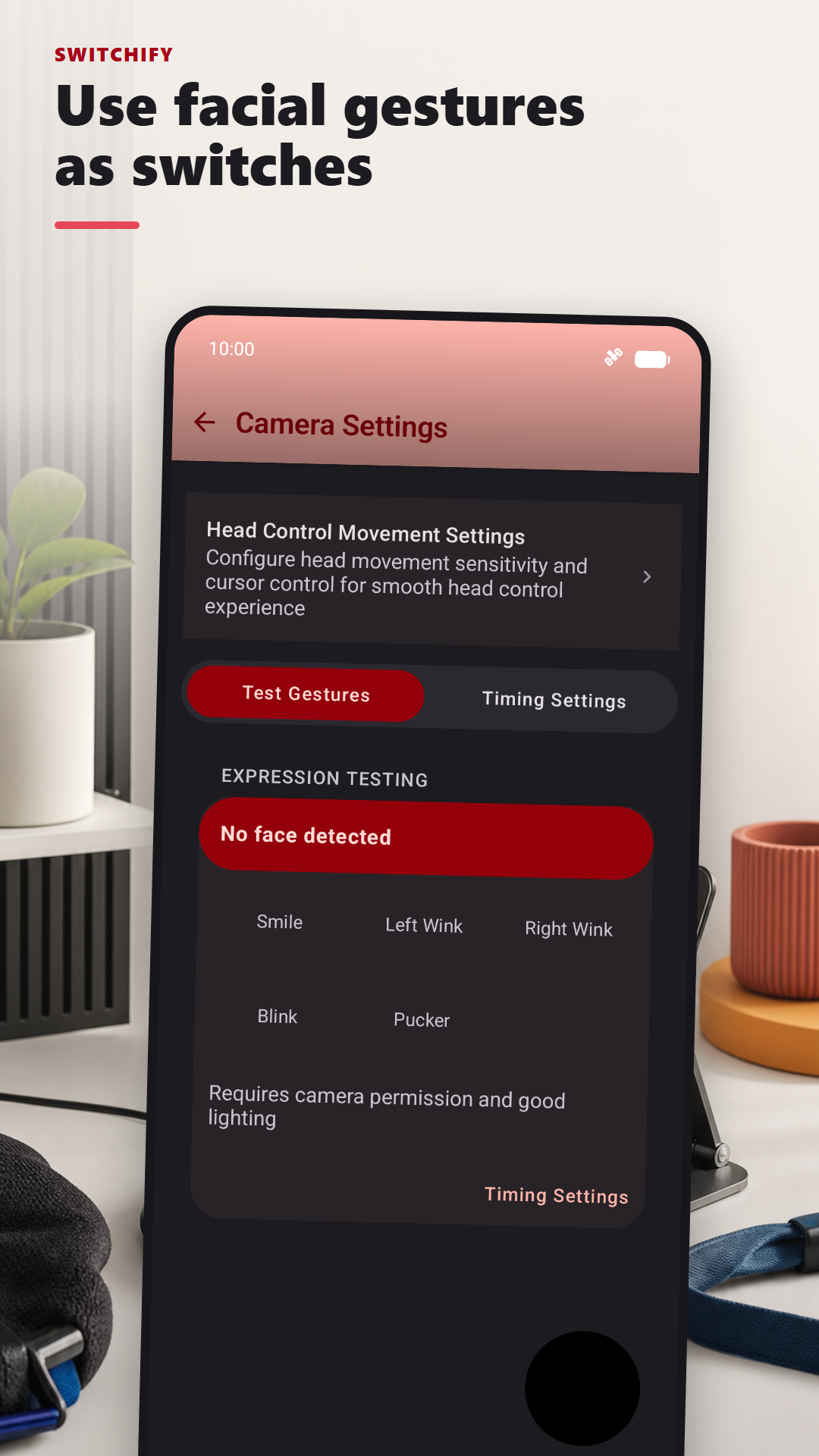
Through the front camera, Switchify recognises a smile, a left or right wink, a blink, a pucker, and head turns left, right, up and down. Any of them can act as a switch, so you can use the app with no hardware at all, or combine camera gestures with physical switches.
Each gesture has its own hold time, and gesture recognition runs on your device.
Everyday actions
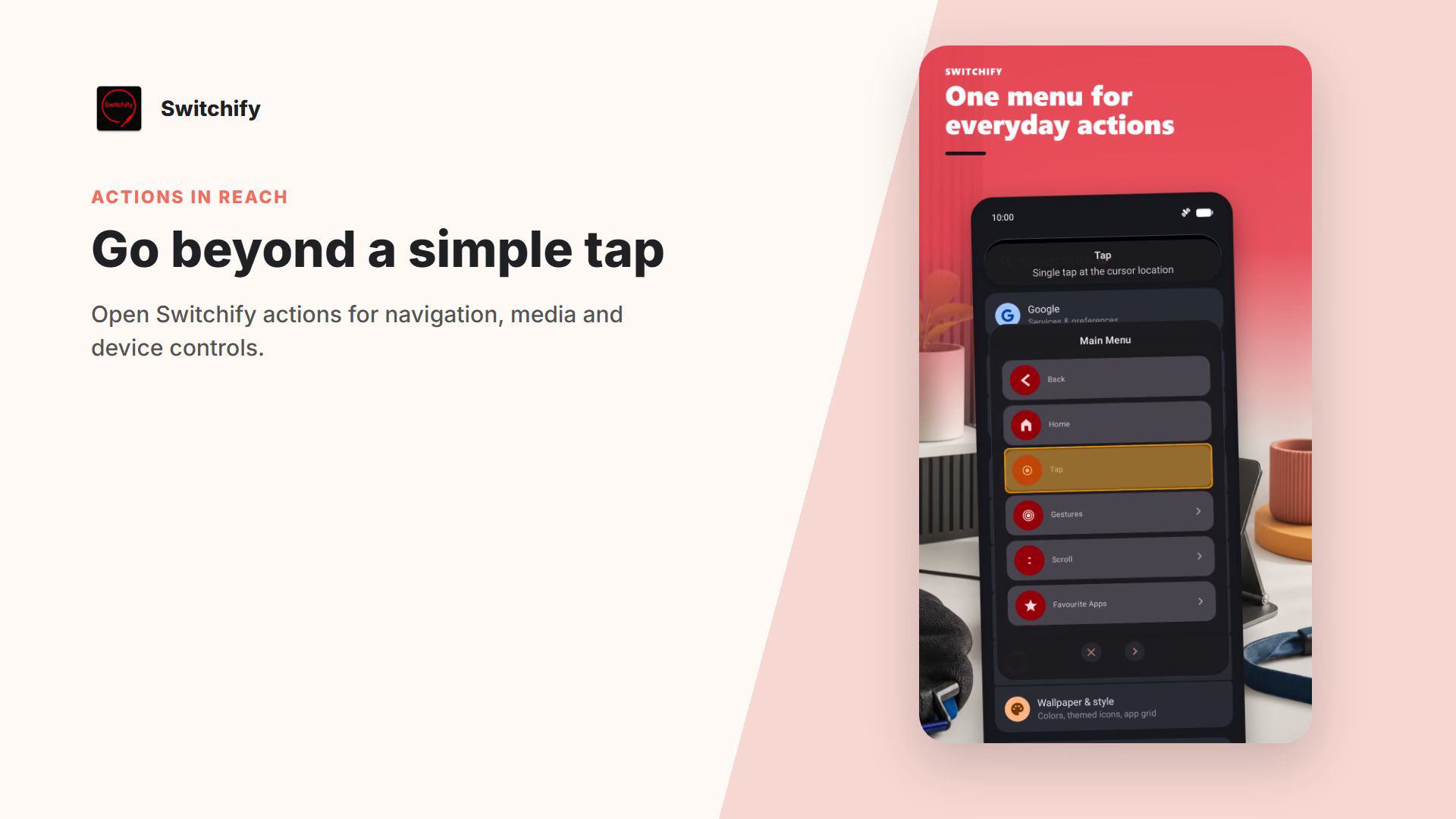
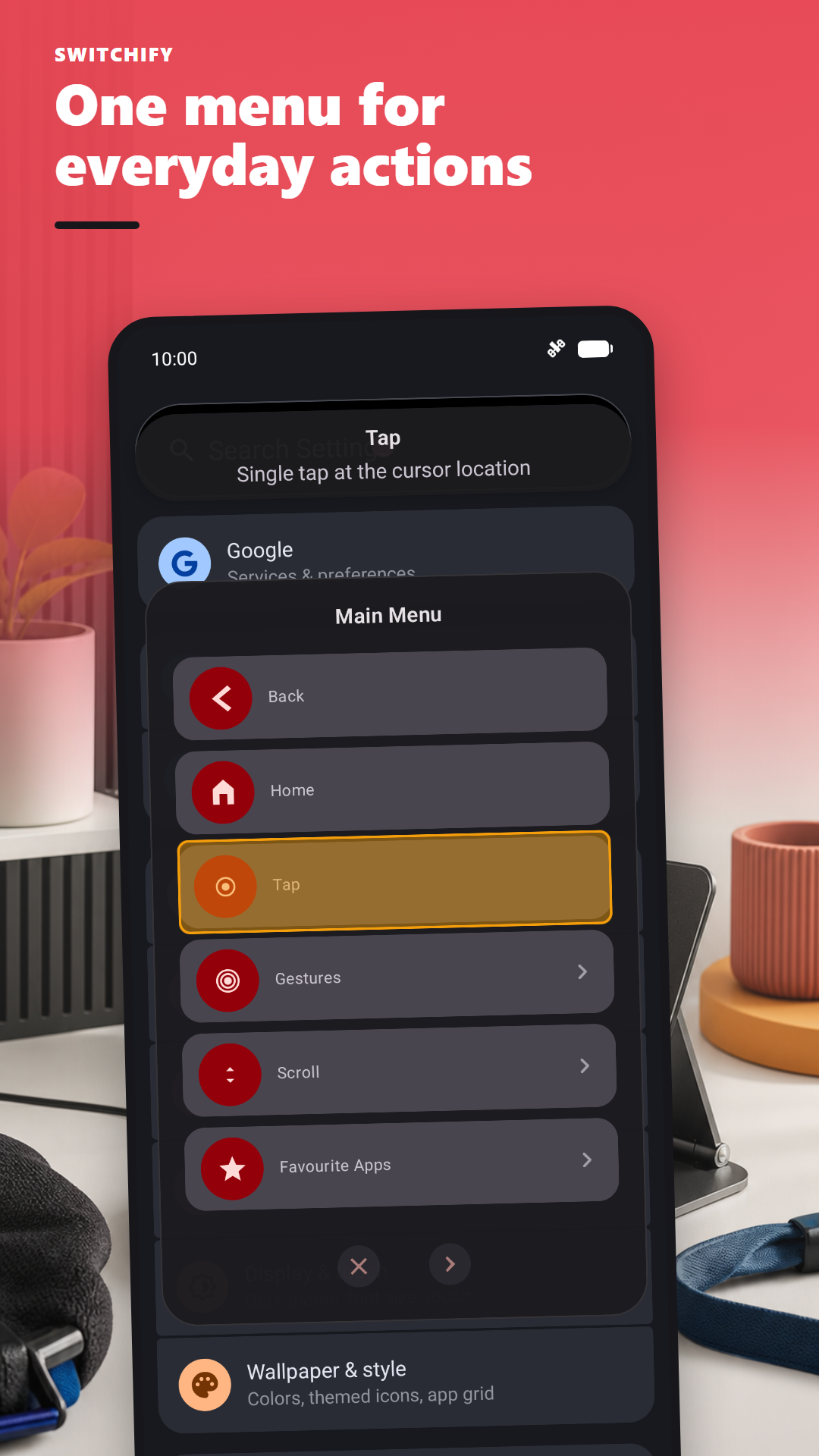
Tap, double tap, long press, drag, swipe, pinch and scroll. Go home, go back, open recents, notifications and quick settings. Launch your favourite apps, scan the on-screen keyboard, or control media. The menu is a list that scans row by row, with the highlighted item's name and description shown in a header, and you can change its order and hide what you don't use.
Gesture patterns let you record a sequence of up to ten gestures, then play it back with a single switch press.
Switchify Remote and Switchify PC
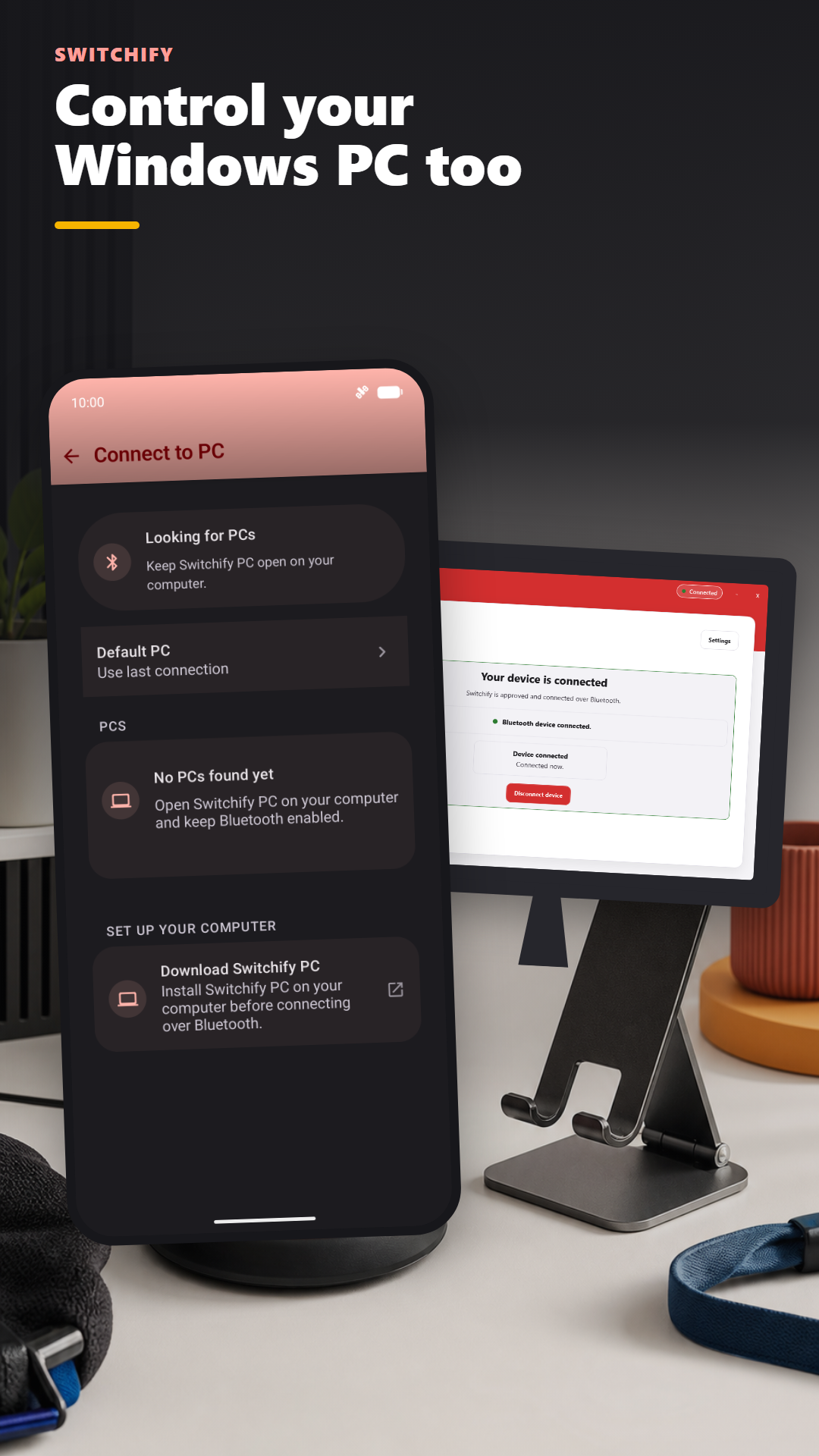
Choose Control PC in Switchify's menu and Switchify Remote opens. Pair once with Switchify PC over Bluetooth, then move the pointer, click, drag and scroll, type live or as a draft, and switch apps, show the desktop, minimise, maximise, close and send shortcuts. Switchify PC runs on Windows and on Apple-silicon Macs.
Switch Forwarding sends presses and releases from up to eight of your external switches straight to the computer, with a built-in Generic keyboard profile, a Grid 3 profile on Windows, and fully custom mappings.
See Switchify in action


Designed with the people who use it
Switchify is built by Owen McGirr, a developer in Donegal, Ireland, who has cerebral palsy and has used switches to control computers since he was a teenager. He started Switchify because nothing he tried felt right: the scan speed was never quite there, the keyboard was slow, and small things were missing.
That lived experience drives the decisions, and so does what users send back. Read why Owen built Switchify.
"Switchify is what came out of that. It's the app I wanted to use."
Send Feedback sits on the Switchify home screen. Pick bug report, feature request or suggestion, describe it, and it goes straight to Owen.
Feature ideas go on the public Featurebase portal, where other users vote so the most-wanted things rise to the top.
Scan speeds, switch hold time and ignore-repeat settings, long-press actions that run in sequence by hold duration, and a hold time for every camera gesture, so involuntary movement doesn't trigger the wrong thing.
Five scan colour sets ship in the app:
New apps go through closed tests with people who use switch access. Switchify Remote is in one now. Join the Switchify Remote test.
The Android and PC source are on GitHub under the AGPL-3.0. Audit how it reads the screen, fork it, send a pull request.
Pricing
The free version gives you every feature. The accessibility service stops after one hour; restart it and you have another hour. Pro removes that limit.
€0
All features, including access techniques, scanning controls, switch setup, gestures and the menu. One hour per session, restartable as often as you like.
€1 / month
No time limit on the accessibility service, plus on-device AI features on Android 11 or later. Cancel any time.
€20 one-time
No time limit and the on-device AI features, paid once and yours forever. Switch users shouldn't have to subscribe to use their own phone.
Switchify Remote and Switchify PC are free, with no accounts or subscriptions. Irish pricing; your store shows the local equivalent. AT professionals can request a free promo code. Full pricing details.
Where to start
If you use a switch
Start with Get started. It walks you through installing Switchify, granting accessibility permission, and choosing a way of selecting that fits how you move.
If you're an AT professional
For professionals covers what makes Switchify different from Switch Access by Google, how to evaluate it with clients, and how to get a free promo code for your practice.
If you're a parent, teacher, or carer
The FAQ has plain answers to the things people usually ask before downloading. How it works explains, in plain English, what the app actually does.
Get Switchify
Switchify is free on Google Play. Switchify Remote is in a closed test, and Switchify PC is a free download for Windows and Apple-silicon Mac.
Open source under the AGPL-3.0: Android source and PC source on GitHub.