
Mouse
Move the pointer in eight directions, click, double click, right click, start and end a drag, and scroll. Set the pointer speed, hold to repeat movement, and step between monitors.
Switchify for Windows and Mac
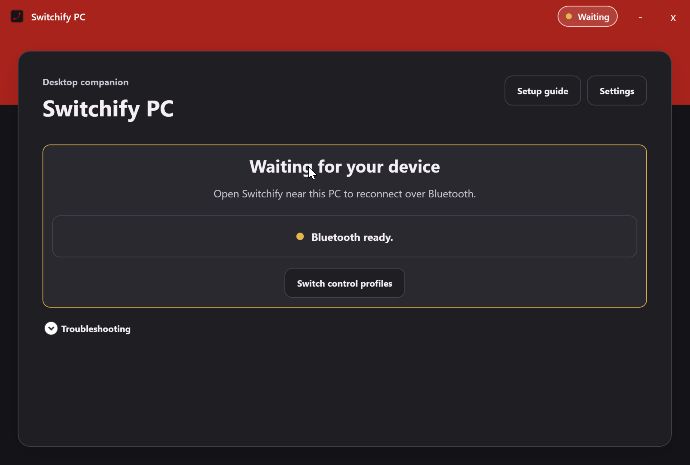
Switchify Remote on your Android device pairs over Bluetooth with Switchify PC on your computer. Move the pointer, click, scroll, type, manage windows, and forward your switches, all from the phone or tablet you already control with Switchify.
Free and open source. Switchify PC 1.0 is a release candidate for Windows 10 or later and Apple-silicon Macs on macOS 13 or later, with Bluetooth Low Energy. The previous stable Windows build is still available.
Everyday control with Switchify Remote
Move the pointer in eight directions, click, double click, right click, start and end a drag, and scroll. Set the pointer speed, hold to repeat movement, and step between monitors.
Type live into the focused control, or write a draft and send it when you're ready. Send common computer keys, shortcuts of up to four keys, held modifiers, and repeating navigation keys such as the arrows, Tab and Backspace.
Next and previous app, task view, show desktop, minimise, maximise and close, with Ctrl, Alt, Shift and Start modifiers for shortcuts.
Made to fit your movement
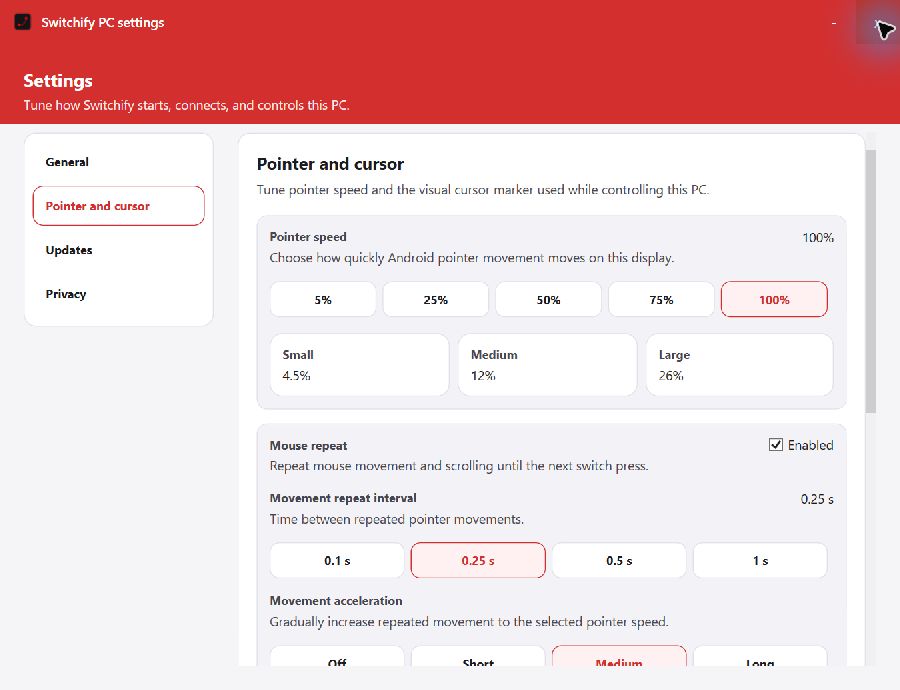
In Switchify PC, choose a pointer speed from precise to fast, or set an exact percentage. Hold a switch to repeat movement or scrolling, add gradual acceleration, turn on dwell to click, and show a high-visibility cursor marker or crosshairs while you control the computer.
Switch Forwarding
Forward presses and releases from up to eight external switches connected to Switchify to your Windows PC or Mac. Choose PC Switch Forwarding in Switchify's menu, pick a profile in Switchify Remote, and start.
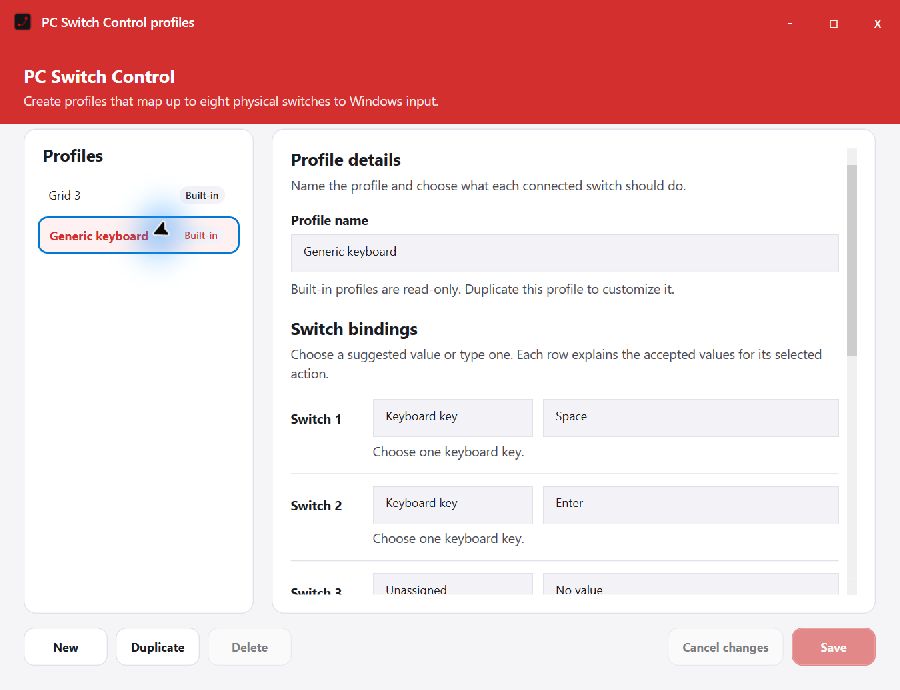
The built-in Generic keyboard profile maps switch one to Space and switch two to Enter. On Windows, the built-in Grid 3 profile talks to Smartbox Grid 3 directly. Custom profiles can map each of the eight switches to:
Open the same profile manager from the main window, the tray, or Settings. Built-in profiles stay read-only; duplicate one to make it yours.
One switch can now do much more than control a phone.
PC Switch Control sends the external switches already connected to Switchify straight to your Windows PC.
Connect to your computer, choose a profile, and start. Here, the Generic keyboard profile maps the switch to Space.
Every press and release travels over Bluetooth in order, while the live monitor shows exactly what is happening.
In Grid 3, that same switch scans and selects words in the Fast Talker set—without another switch interface.
Custom profiles can also map up to eight switches to keys, shortcuts, mouse buttons, scrolling, and media controls.
Stop at any time, change profiles, or return to normal Switchify scanning. One switch. Android and Windows, working together.
Secure and dependable
Switchify PC shows a short-lived pairing request. Compare the six-digit code on both screens and approve it on the computer before the Android device is trusted.
Saved computers reconnect over Bluetooth. Switchify Remote keeps a list of PCs, lets you mark a preferred one, and switches between them.
Keep Switchify PC in the tray with live connection status, start it with the system, reopen the setup guide when needed, and install updates from the app.
Get connected