Switchify for professionals
Switchify is primarily an Android switch access app, with companion apps (Switchify Remote and Switchify PC) for controlling Windows and Apple-silicon Mac computers. It is built by someone who uses switch access every day. This page is for occupational therapists, AAC and AT specialists, special-education teachers, and anyone who recommends assistive technology to clients, students, or family members.
What makes Switchify different
Android already includes Switch Access by Google, which works and is free. Switchify exists because that built-in option doesn't cover everything switch users actually want from a modern device. The main differences:
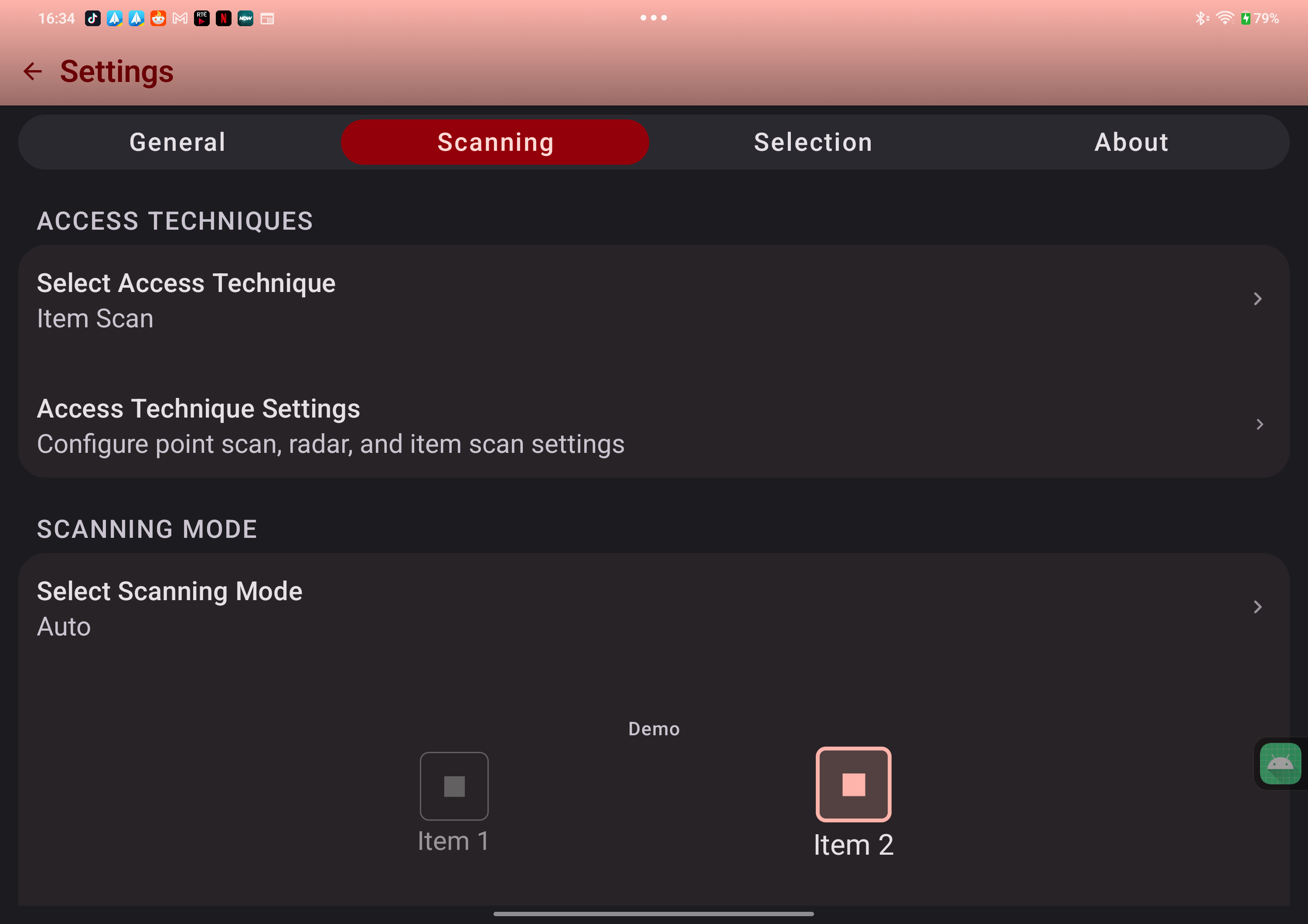
- Three access techniques in one app. Item scanning, point scanning (line only, or grid then line), and radar — pick the one that fits the client.
- Camera gestures as switches. Smile, left or right wink, blink, pucker, and head turns left, right, up or down, each with its own hold time. Combine them with hardware switches.
- Gesture pattern recording. Record up to ten taps, drags, swipes, or zooms and play them back with a single switch press. Useful for repetitive routines in apps that don't expose them as buttons.
- Stability and long-press settings per switch. Ignore repeated presses, require a hold time, and chain long-press actions by hold duration to avoid false triggers from involuntary movement.
- Keyboard scanning. Scan the on-screen keyboard with row/column and group scanning, or let the switch select keys directly.
- Scan colour sets for colour vision. Default, High Contrast, Deuteranopia-safe, Tritanopia-safe, and Monochrome highlights.
- Everyday computer control. Switchify Remote on Android pairs over Bluetooth with Switchify PC on Windows or Apple-silicon Mac for pointer movement across monitors, clicks, drag, scrolling, live or draft typing, keys, shortcuts, and window actions.
- Direct external switch input. Switch Forwarding sends presses and releases from up to eight switches directly to the computer, with a built-in Generic keyboard profile, a Grid 3 profile on Windows, and custom mappings.
- Open source. The Android source and PC source are on GitHub under the AGPL-3.0. You can verify exactly what Switchify does on a client's device.
- Built by a daily switch user. Decisions are driven by lived experience, not assumption.
Both apps coexist on the same device. Many clients end up using whichever one fits the task at hand.
Pricing for professional use
Switchify is free, with core switch access features and a one-hour-per-session limit. Pro removes that limit for €1/month or €20 lifetime and enables Pro extras where supported. See Pricing for detail. For professional evaluation, training, and demonstration, free promo codes are available — see below.
Request a promo code
If you're an OT, AAC/AT specialist, special-education teacher, AT coordinator, or similar — and you want to evaluate Switchify Pro with a client or use it in your practice — you can request a free promo code.
Email Owen at owen@switchifyapp.com with:
- Your name and the role you work in (OT, SLP, AT consultant, teacher, etc.).
- The organisation or practice you work with.
- How you plan to use Switchify (e.g. client trials, classroom demonstration, evaluation for a service).
Owen replies personally. Allow a few business days.
Recommending Switchify to clients
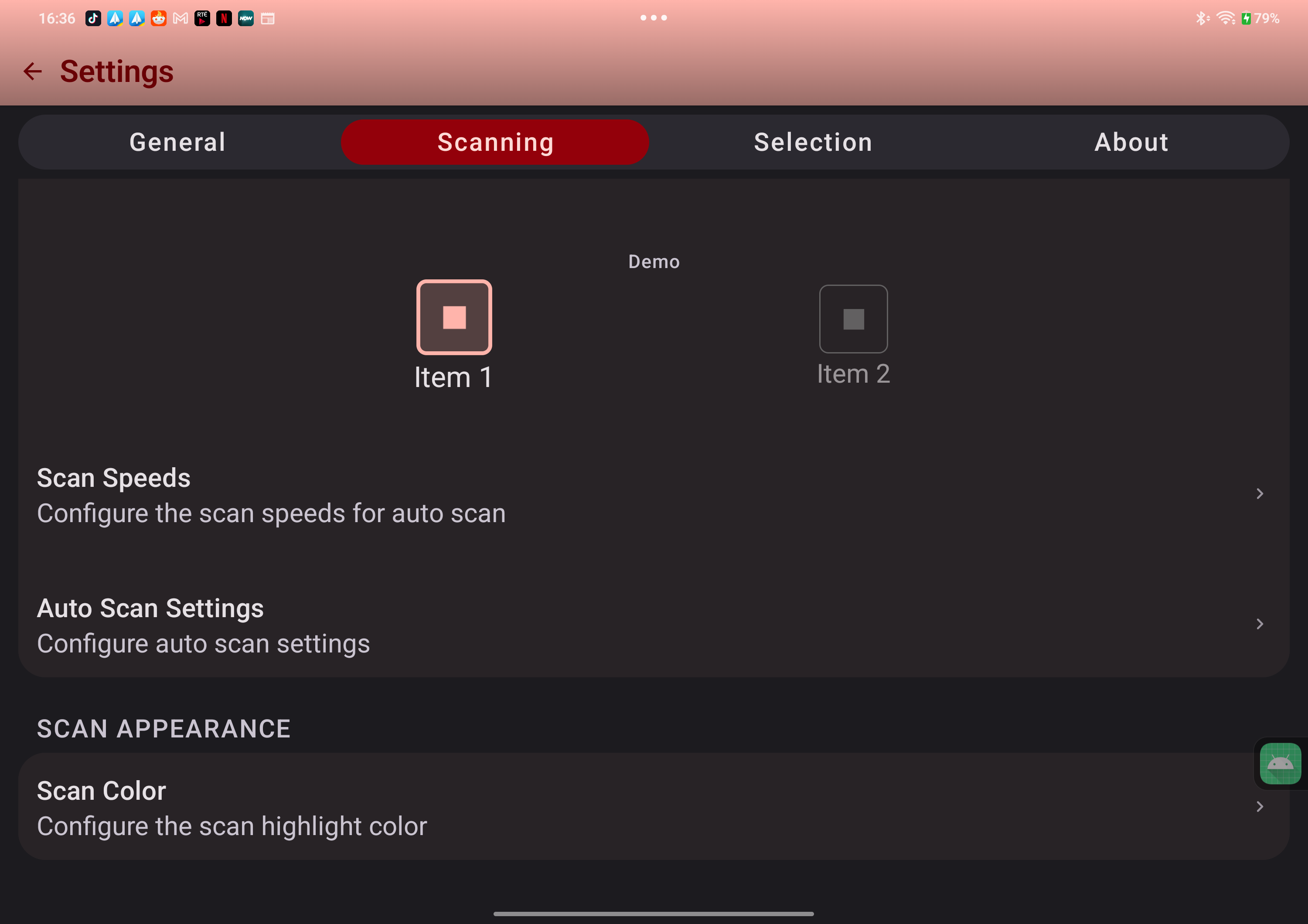
A good starting point for most new clients is item scanning, auto scan, single switch, with the scan rate slowed right down at first. The free version covers that completely — clients can try it before deciding whether to subscribe.
Get started is written for the end user and walks through installation step by step; you can hand the link to clients directly. How it works covers the access methods and PC control in detail and is useful for assessment and report-writing.